 Mirrorize
Image to ASCII art generator
Turn any photo or drawing into glowing text art in a second. Pick a style, download a PNG, or grab plain ASCII text you can paste anywhere. Free, no sign-up, and we don’t keep your images.
The styles
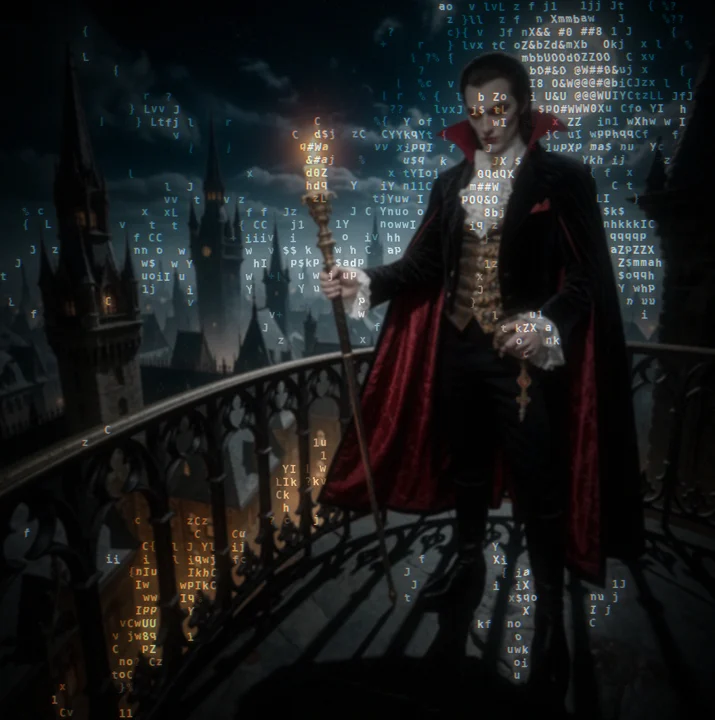 Subtle
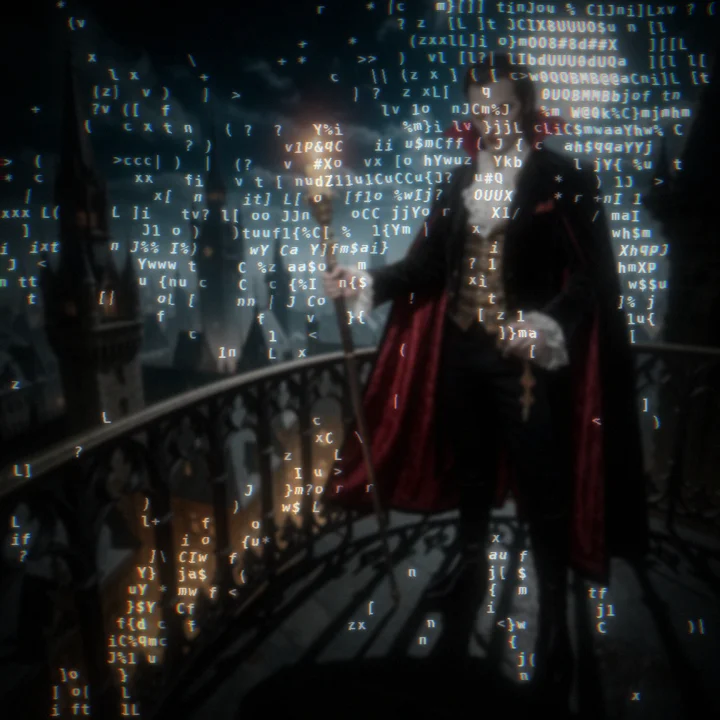 Dreamy
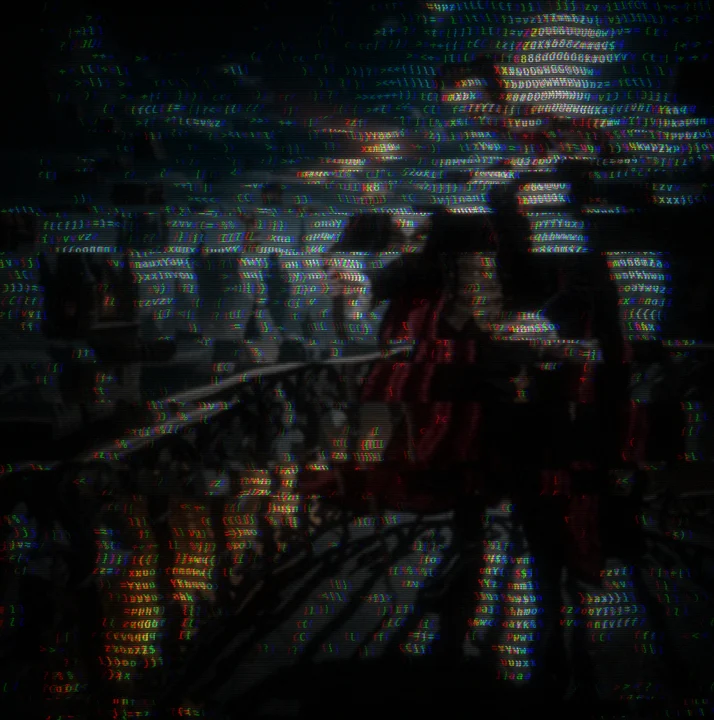 Glitchy
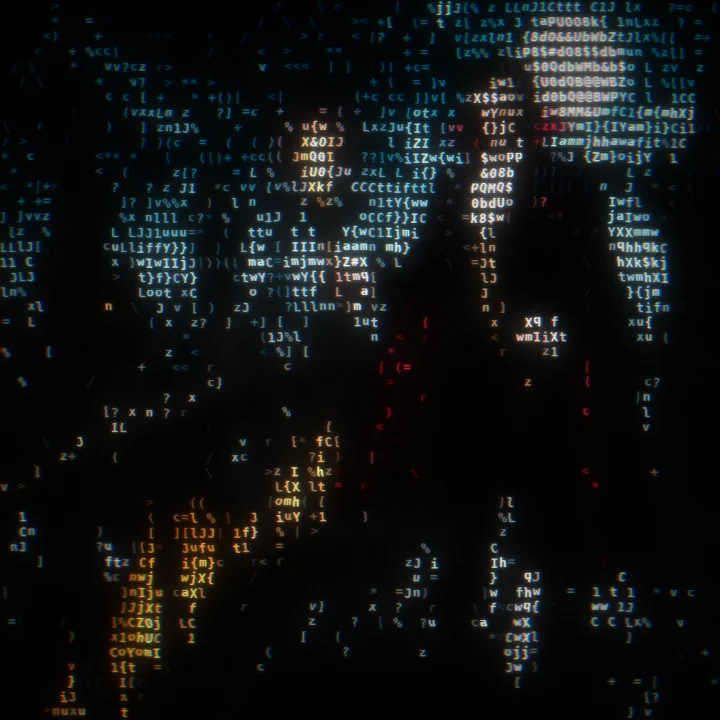 Neon
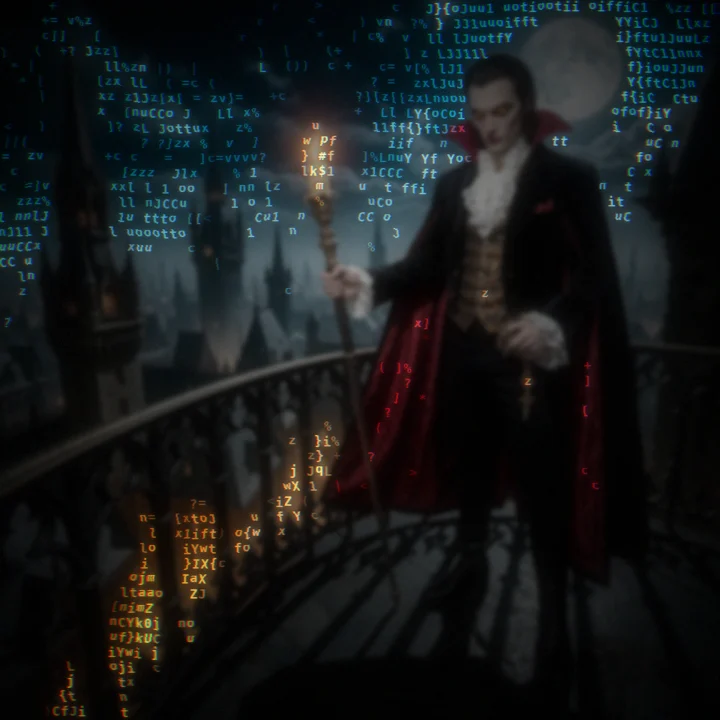 Chroma
- Subtle
Your picture stays clear, with glowing characters on the highlights. The most wearable look.
- Chroma
Characters only where there’s color, so grey and white areas stay clean.
- Neon
Almost black, with glowing text tracing the image. Classic ASCII art, best on darker photos.
- Dreamy
Soft haze and big bloom, for portraits and night scenes.
- Glitchy
Lens split, scanlines and shifted bands, like a broken monitor.
- Plain text
Real ASCII characters you can copy into a message, a code comment or a README.
How to turn a picture into ASCII art
- Choose or drop an image above. Photos with a clear subject and good contrast work best.
- Pick a style. Use the Detail slider for more, smaller characters or fewer, bigger ones.
- Download the PNG, or choose Plain text and copy it.
Questions
- Is this ASCII art generator free?
- Yes, free with no sign-up and no watermark.
- Do you keep my pictures?
- No. Your image is converted in memory and discarded right away. Nothing is saved or posted unless you choose to share it.
- What is ASCII art?
- Pictures made from text characters. Darker or brighter areas are drawn with denser characters like @ and #, lighter ones with dots and dashes. It dates back to typewriters and early computer terminals.
- Can I use the results?
- Yes. It’s your picture, so the ASCII version is yours to use, as long as you have the rights to the original image.
- Why does the plain text look squashed?
- Paste it somewhere that uses a monospaced font, like a code block, so every character is the same width.
Need something to draw first? Try today’s drawing prompt.